You’ve been hacked?
Don’t take it personally. Most websites are hacked randomly and with total disregard to your person, position, or title. It’s just business…
Kevin Mitnick once said, “The hacker mindset doesn’t actually see what happens on the other side, to the victim.” Born true a decade ago and still does today.

So why are you allowing your website to be “owned?”
Prevention is your best weapon, but most people seem oblivious to how easy it is to blend into the virtual masses and hide in the shadows online.
One method of blocking hackers involves blocking bots from even seeing your website. If a bot stumbles onto your website and is immediately repelled, you’ve just scored a big win security-wise. Don’t be a target, be a bot killer!
How to block bots connecting from other countries
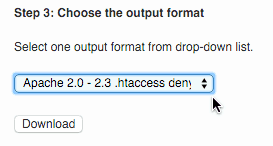 Wish to “deny” visitors from other countries access to your website, try my favorite country blocking plugin IP2Location Plugin. See the picture setup note at right.
Other plugins useful for blocking bots from other countries or blocking connections from other countries are the Country IP Specific Redirections plugin and the Admin Block Country plugin.
How to prevent bots from visiting your website
Blocking bots is crazy-simple to do. First you’ll need to know how to locate your .htaccess file is a file most often found in your public_html directory. It’s just a text file. Don’t be scared… :).
Most web hosts have a basic File Manager, where the list of your website’s files can be viewed, along with an “Edit” button to make and save changes.
With your trusty File Manager or FTP File Editor in hand, you are less than one minute from being done with this tedious task.
Below is the bot blocking list I use. Feel free to edit it to your heart’s content:
Within the bad bot list you’ll see bot names like “1Noonbot.” If you are a 1Noonbot fan then remove from list, save file, and you’ll be all set.
Likewise, if your site is being hammered by a bot, just add your bad bot to the beginning of the list. For example:
RewriteCond %{HTTP_USER_AGENT} ^.*(1Noonbot|
with
RewriteCond %{HTTP_USER_AGENT} ^.*(Reallybadbot|1Noonbot|
In summary:
- First, see the list using the above link.
- Copy it to your computer’s memory (Control-C).
- Next open your .htaccess file via your editor.
- Paste this list at the very top of your .htaccess file (Control-V).
Save.
Done!
Seriously, you are done.
Check your website to see if it’s loading properly and without error. If so, then you’ve just built the poor man’s bot firewall in all of one minute flat, and can sleep better at night knowing you are super smart, accomplished, and can say with pride, “I am so smart!”
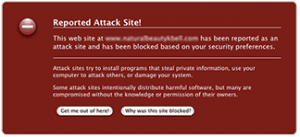
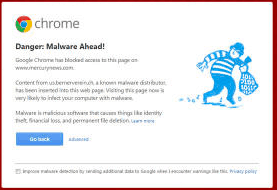
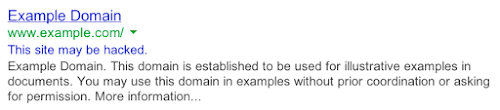 Google’s current terms include:
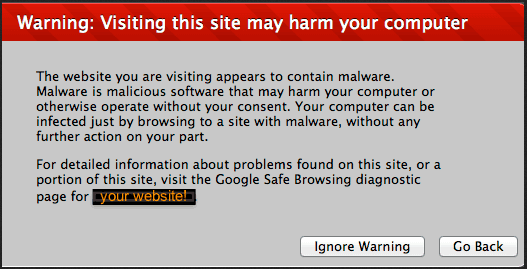
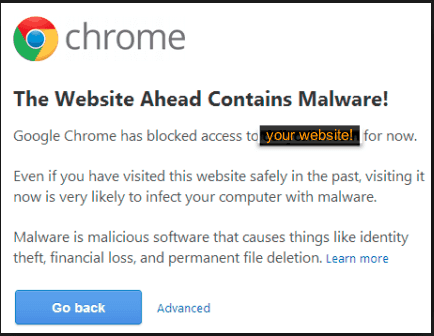
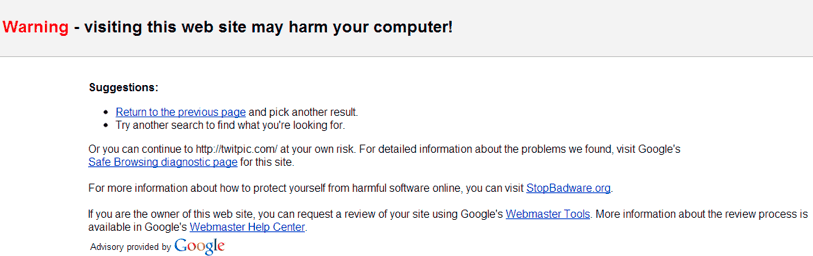
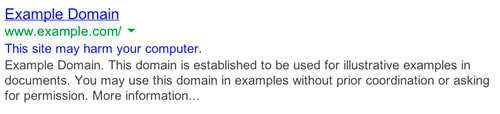 “This site may harm your computer.“
 Many hacked websites are the result of clients not using encryption. It’s also possible that your computer may have a virus that monitors keystrokes typed directly into it or sniffs passwords as they pass through your network or computer. Network sniffing can be prevented by using FTPS, which will help prevent easy access to your passwords.