Domain Name Verification: Why Your Website Might Suddenly Vanish
How can a single missed email can pull your entire website offline?
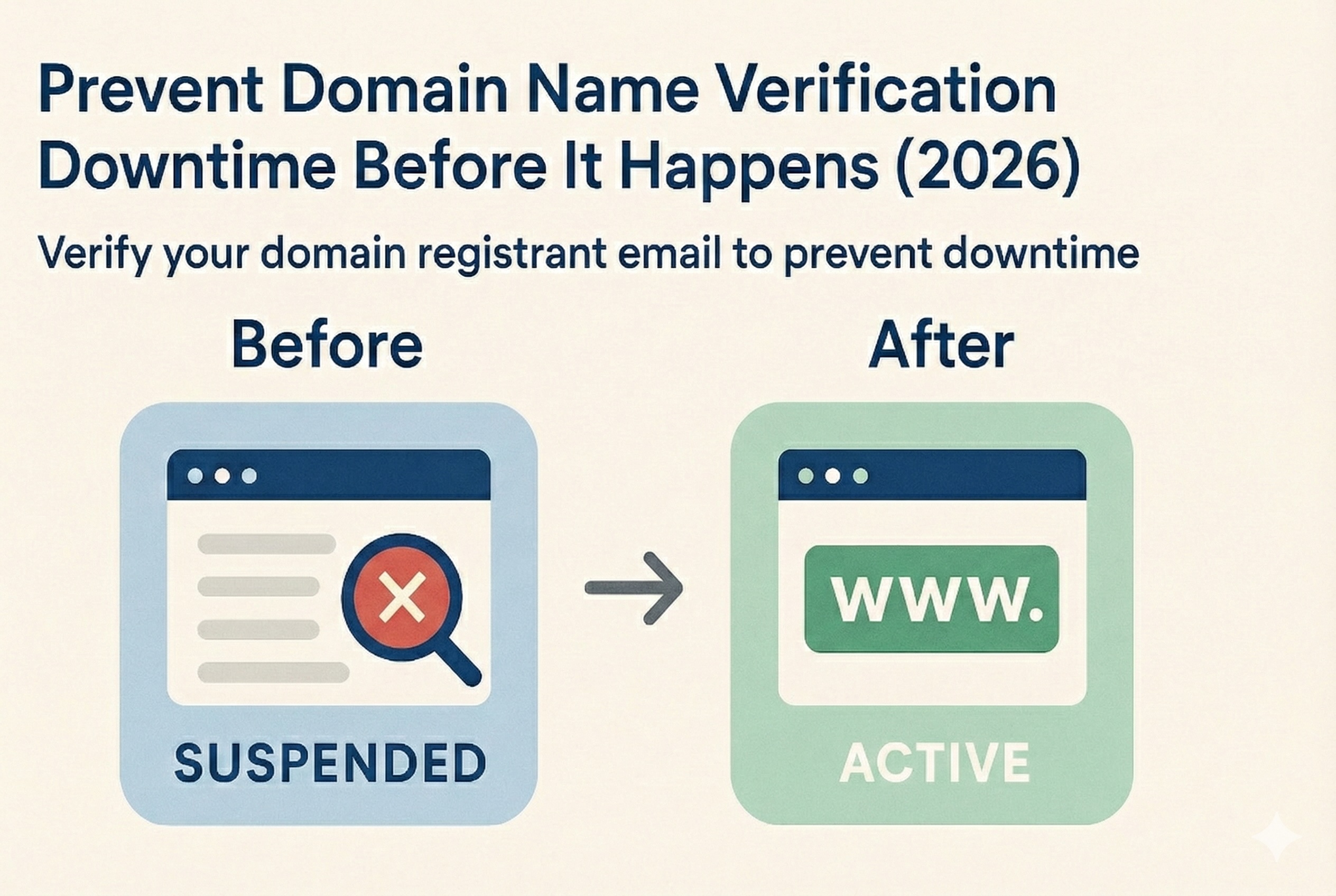
Every so often, I’ll get a call that goes something like this: “My website is gone!” Or, “I’m seeing a ‘domain for sale’ page where my site used to be.” The panic is real, and the cause is almost always the same: Domain name verification failure.
From what I’ve seen, these outages are more common than hosting-related ones—and they often take longer to fix. Let’s break down what’s happening and how to prevent it.
Why It Happens
More and more outages trace back to a single point of failure: your domain’s registration details. If you miss the ICANN verification email or fail to confirm updates, your registrar may suspend the domain. Visitors get sent to a placeholder or sales page—while you’re left scrambling to figure out why.
What is the Usual Subject of an ICANN Verification Email?
The subject of an ICANN domain verification email can vary depending on your registrar.
Typical subject lines include phrases like:
- “IMMEDIATE VERIFICATION required for YourDomain.com” or “Request for email address validation”.
- “Action required: Verify your contact information for your domain(s)”.
- “Important Notice Regarding Your Domain Name(s)”.
Reminder: These emails are sent when you register a new domain or update the registrant’s name, last name, or email address. You must click the verification link within 15 days to avoid having your domain suspended
Quick Checks to Stay Online

Log into your registrar and confirm your domain’s verification status.
Don’t use an email tied to your domain—if it goes down, so does your inbox.
Check your spam/junk folders regularly for registrar messages.
Set calendar reminders for domain renewals and contact updates.
Step-by-Step: Verifying and Securing Your Domain
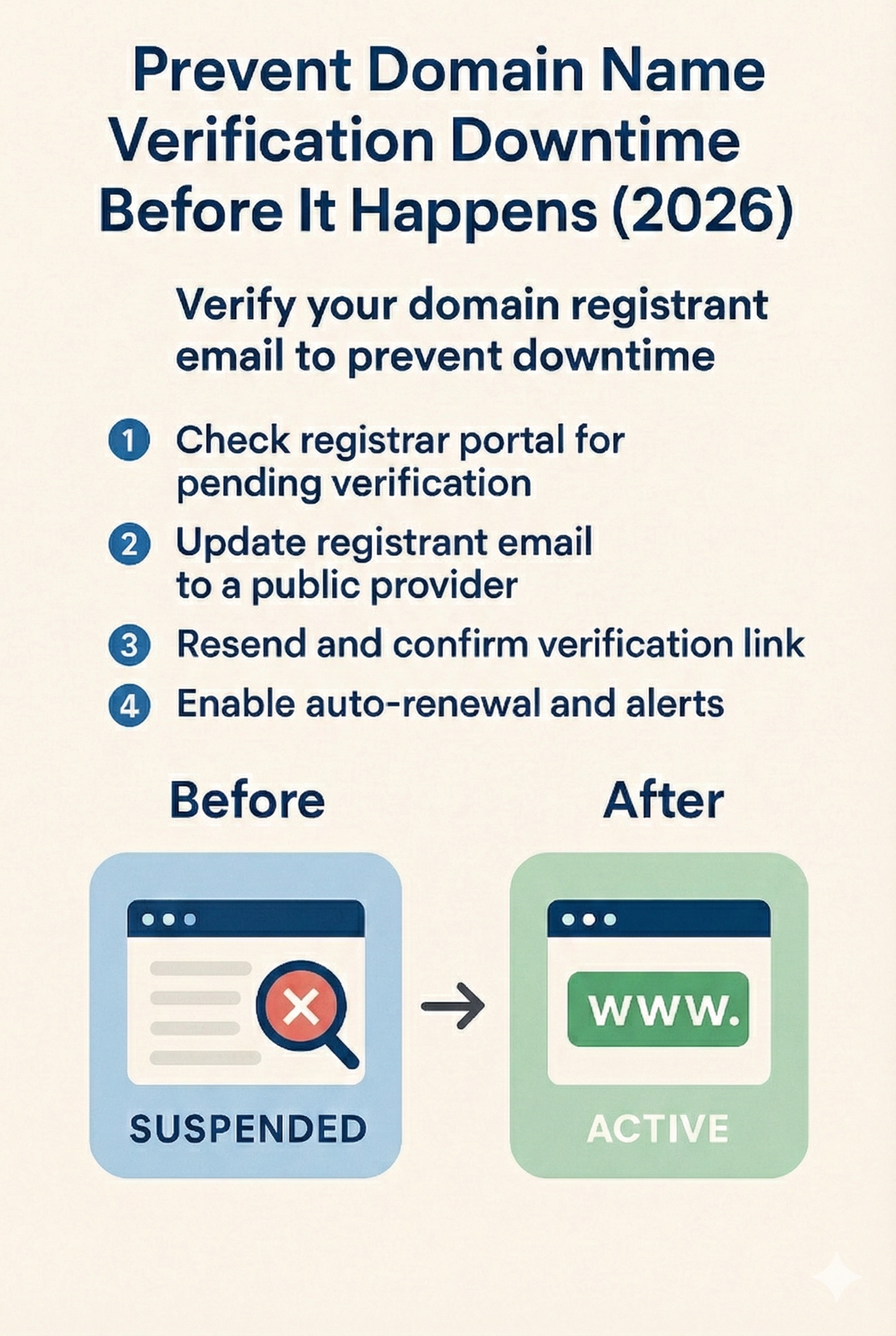 1. Check Your Verification Status
Log in to your registrar and look for alerts or pending verifications on your domain profile.
2. Use a Reliable Email Address
Switch to a public, stable email (like Gmail or Outlook). Avoid emails hosted on the same domain you’re trying to protect.
3. Resend and Confirm the Verification Email
Click “Resend Verification Email” if it’s available. Act fast when the message arrives—delays can lead to suspension.
4. Turn on Auto-Renew and Whitelist Your Registrar
Enable auto-renewal. Add your registrar to your email’s safe sender list to make sure you don’t miss critical updates.
Already Suspended?

Contact registrar support right away and request a new verification link.
Consider lowering your domain’s TTL setting ahead of any contact changes to speed up DNS updates.

Domain Verification FAQ
Q: What causes domain verification outages?
A: If you don’t confirm the registrant email within ICANN’s required timeframe, your domain may be suspended automatically.
Q: Should I use [email protected] as my contact email?
A: Definitely not. If your domain goes offline, so does that email. Use a separate provider like Gmail or Outlook.
Q: What happens after I update my contact info?
A: Your registrar will email you to verify the change. Confirming quickly avoids service interruptions.
Q: Can I automate this process?
A: Sort of. Set up calendar alerts, enable auto-renew, and whitelist registrar emails to reduce the chance of future issues.