
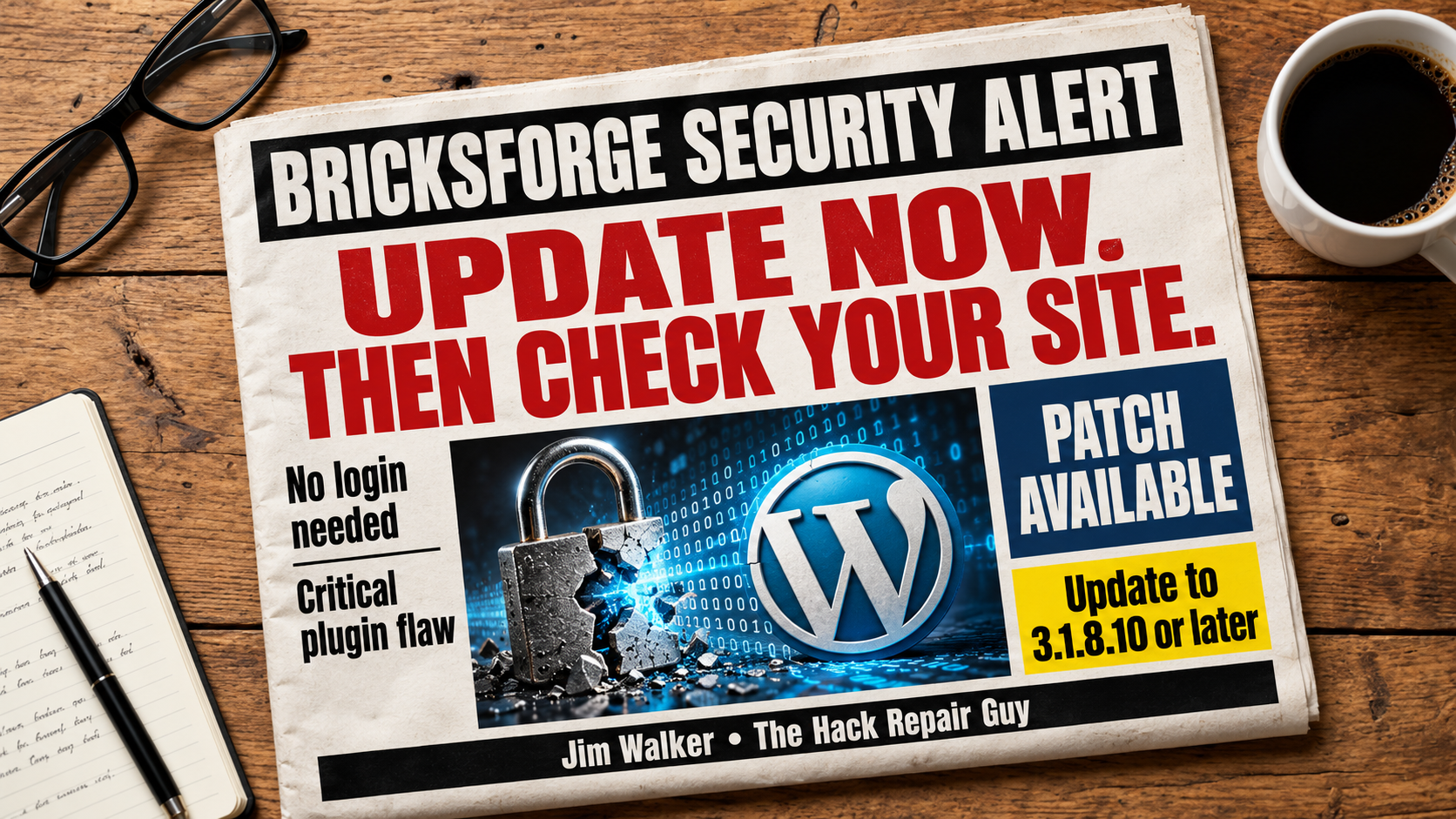
If your WordPress website uses Bricksforge, take a few minutes to check it today. A critical security flaw is being targeted by attackers, and a fix is available.
This is the kind of update I would move to the front of the line. Nobody enjoys an unexpected maintenance job, but dealing with a hacked website is a much bigger interruption.
Key Takeaways
- The vulnerability is tracked as CVE-2026-85097.
- Bricksforge versions 3.1.8.9 and earlier are affected.
- Update to 3.1.8.10 or later.
- Updating closes this flaw. It does not remove malware already on a site.
What Happened?
Bricksforge extends Bricks Builder with additional website features. Patchstack reports that this flaw lets someone upload and run PHP code without logging in. Patchstack rates it 10.0 on the CVSS severity scale and first observed exploitation attempts on October 7, 2026.
Why this matters: A strong administrator password cannot prevent an attack that requires no login.
What Should You Do Today?
- Check your installed plugins. Open Plugins in your WordPress dashboard and look for Bricksforge. Note its version number.
- Make a current backup. Include both your website files and database. Keep earlier backups, too, in case you need a copy from before any compromise.
- Install the update promptly. If Bricksforge is installed, bring it up to the latest available version. The fix for this vulnerability starts at 3.1.8.10.
- Test your website. Check important pages and submit your forms to confirm they still work after updating.
- Review the site for unauthorized changes. If it ran an affected version, ask your hosting provider or security specialist to review files, accounts, and available logs.
My advice: Treat patching and checking for a hack as two separate jobs. Finish both before calling the issue resolved.
A Website Can Look Fine and Still Need Attention
I would not use a working homepage as proof that everything is clean. A security review should also look for unfamiliar administrator accounts, changed files, and suspicious activity behind the scenes.
Patchstack specifically recommends checking upload directories for unexpected PHP files. Have someone qualified inspect suspicious files before deleting them, and preserve the logs for investigation.
Frequently Asked Questions
Does this mean my website is already hacked?
An affected version means your site needs attention. It does not establish that an attacker successfully compromised it. Update promptly and arrange a security review.
Is updating enough?
Updating fixes this vulnerability. If someone already gained access, the site may also need cleanup and a review of compromised accounts or credentials.
Where do I check the version?
Go to Plugins in your WordPress dashboard and find Bricksforge. The installed version appears beneath its name. If someone manages your site, ask them to confirm the update.
Bricksforge Version Checker
Select your installed Bricksforge version. The fix for this vulnerability starts at 3.1.8.10.
This does not establish that your website is free of malware.
Keep Bricksforge updated and review any earlier exposure.
Its installed version appears beneath its name.
Ask your website manager if you need help confirming it.
This checks your selected version against the published fix version. It does not scan your website or detect malware.
Quick reference: Versions 3.1.8.9 and earlier are affected. Update to 3.1.8.10 or later.
Need a Hand?
Start by checking your Bricksforge version today. If you need help reviewing your website or cleaning up a hack, contact me at HackRepair.com or email [email protected]. I’ll help you work through the next steps in plain English.
Source:
Patchstack’s Bricksforge security advisory, published October 8, 2026.
Leave a Reply