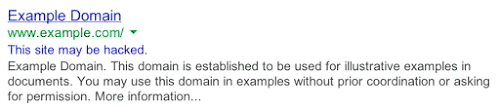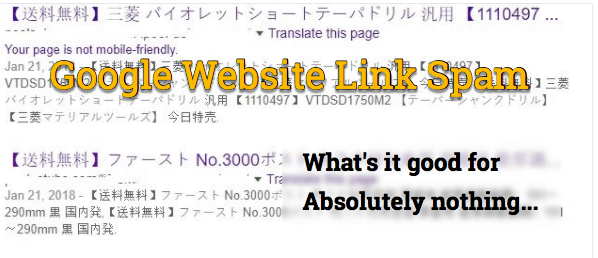
Below is a question I received from a client in regard to his Google search listing after he attempted to clean his website of malware.
“My site had a malware attack. I restored DB and files from December 2017 backup. However, withing Google search, “site:my_domainname.com” is still showing garbled results like in the image and there are about 240 results which give 404 error when clicked on the links.
Should I still be worried or will Google eliminate the garbage results?”
In reply to his question about website link spam showing in Google search:
Yes, I see this quite often. The situation is fairly straightforward. Once hackers had access to your account they uploaded a sitemap file and then a Google Search Console (GSC) update to “pull” the hacker sitemap file with links.
There are a number of steps you’ll need to take in order to clear this, the most important of which is to submit a new “clean” sitemap through your GSC.
Once you complete the resubmittal and reindexing it may take from 3 days to 3 weeks for all of the bad links to clear out. And after a few weeks, if any bad links remain you’ll need to do a manual removal within your GSC to clear them.
This is all par for the course as part of a complete website security cleanup and lockdown of your account.
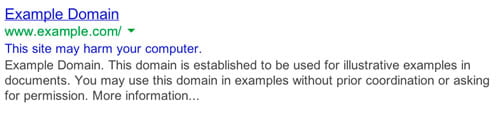
 How to clear your reputation in Google Search
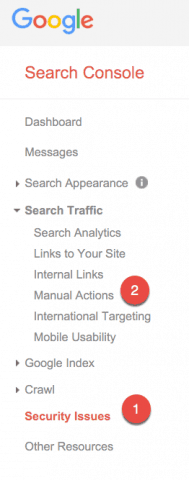
 Once signed into the “Search Console“, click on the “Security Issues” section to see details of sample URLs that might be infected.
 Next, click the “Search Traffic” section and choose “Manual Actions“. If you see the sentence, “No manual webspam actions found.” then all is well there as well.